Finds the real backdrop
Detects the large photographic backdrop and discards carpet, tables, cables, and other scenery beyond it.

Windows bulk product-photo finisher
Bulk Product Photo Finisher turns folders of imperfect product photography into straight, centred, consistent square images—without uploads, subscriptions, or repetitive manual editing.
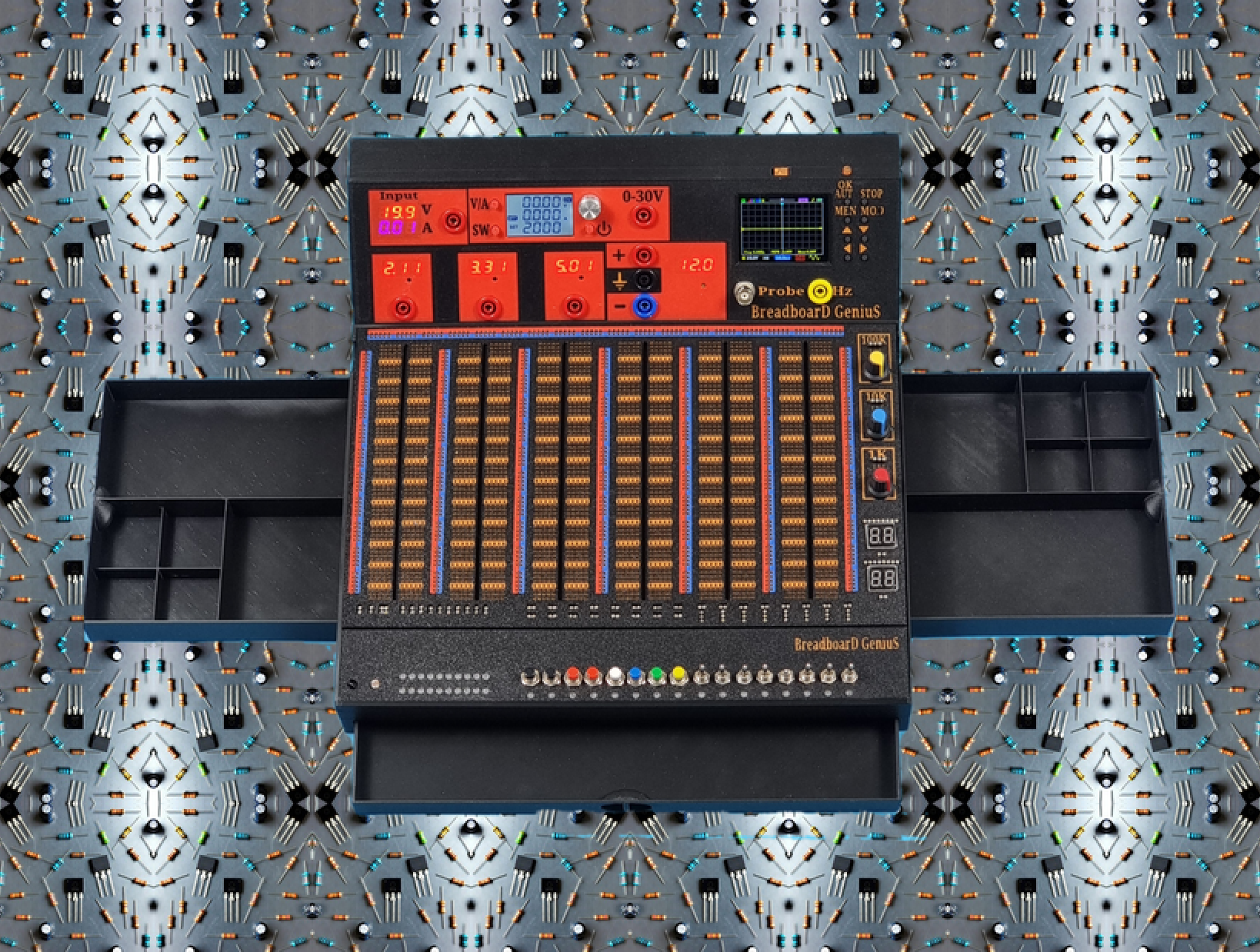
The boring edits, done in one pass.
A real before and after
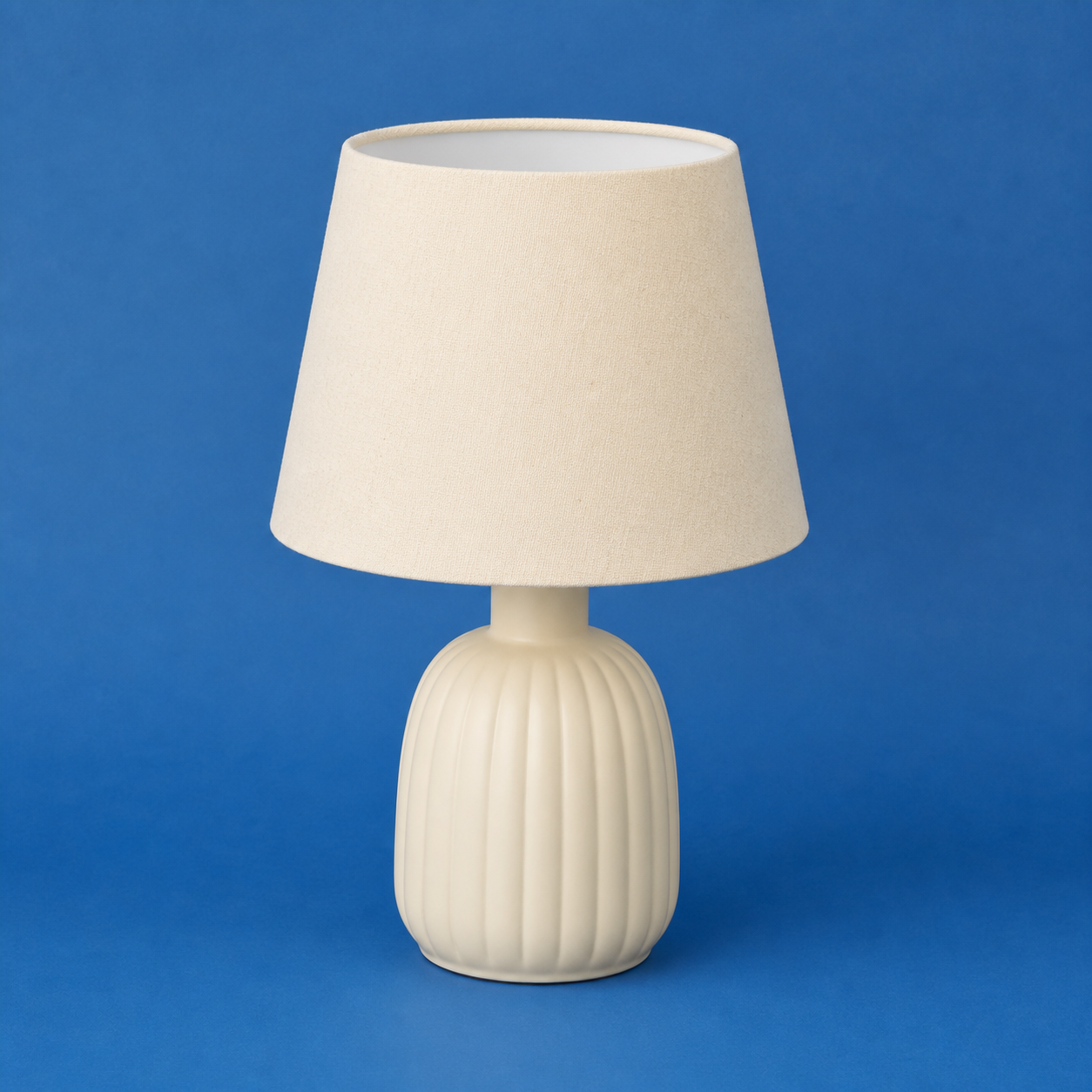
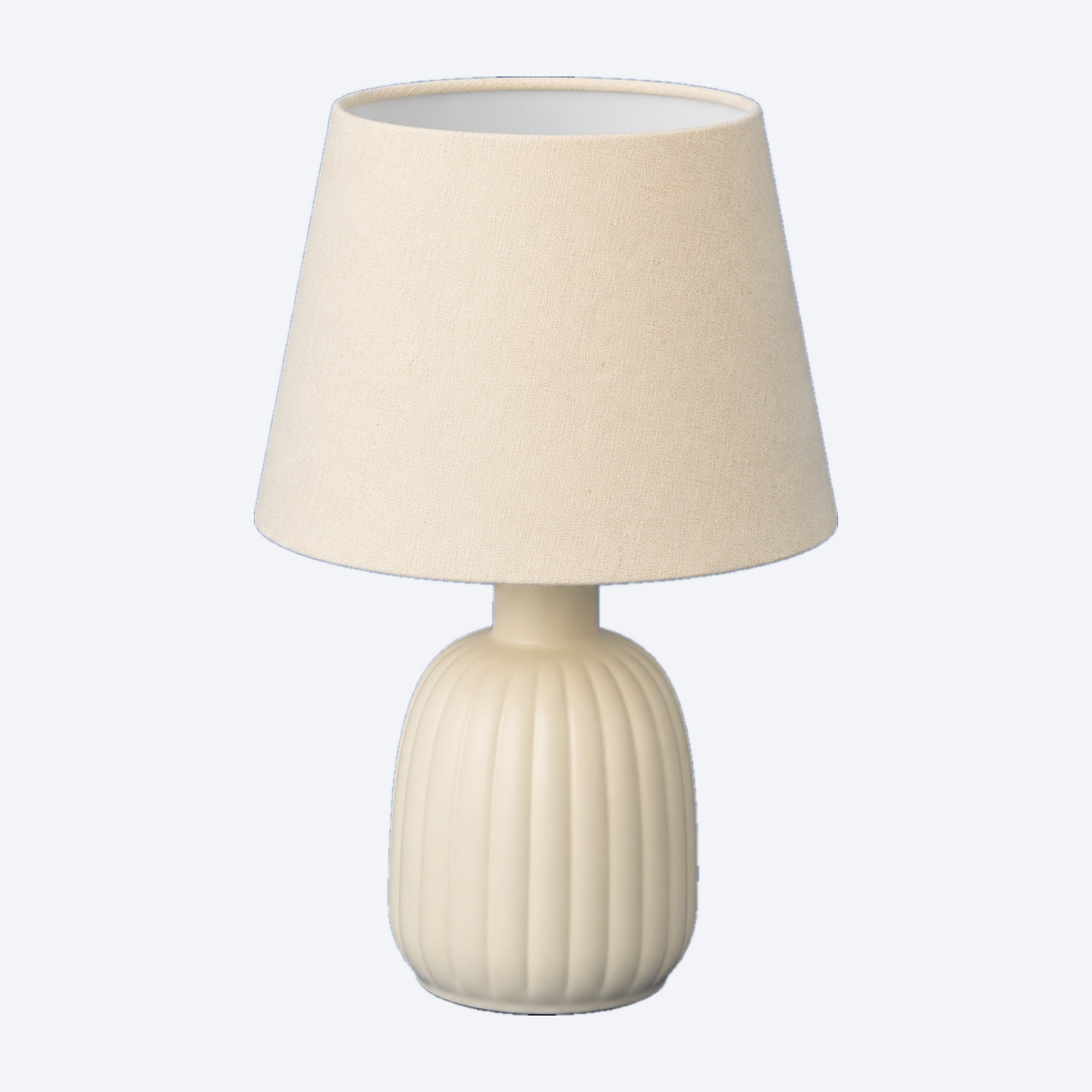
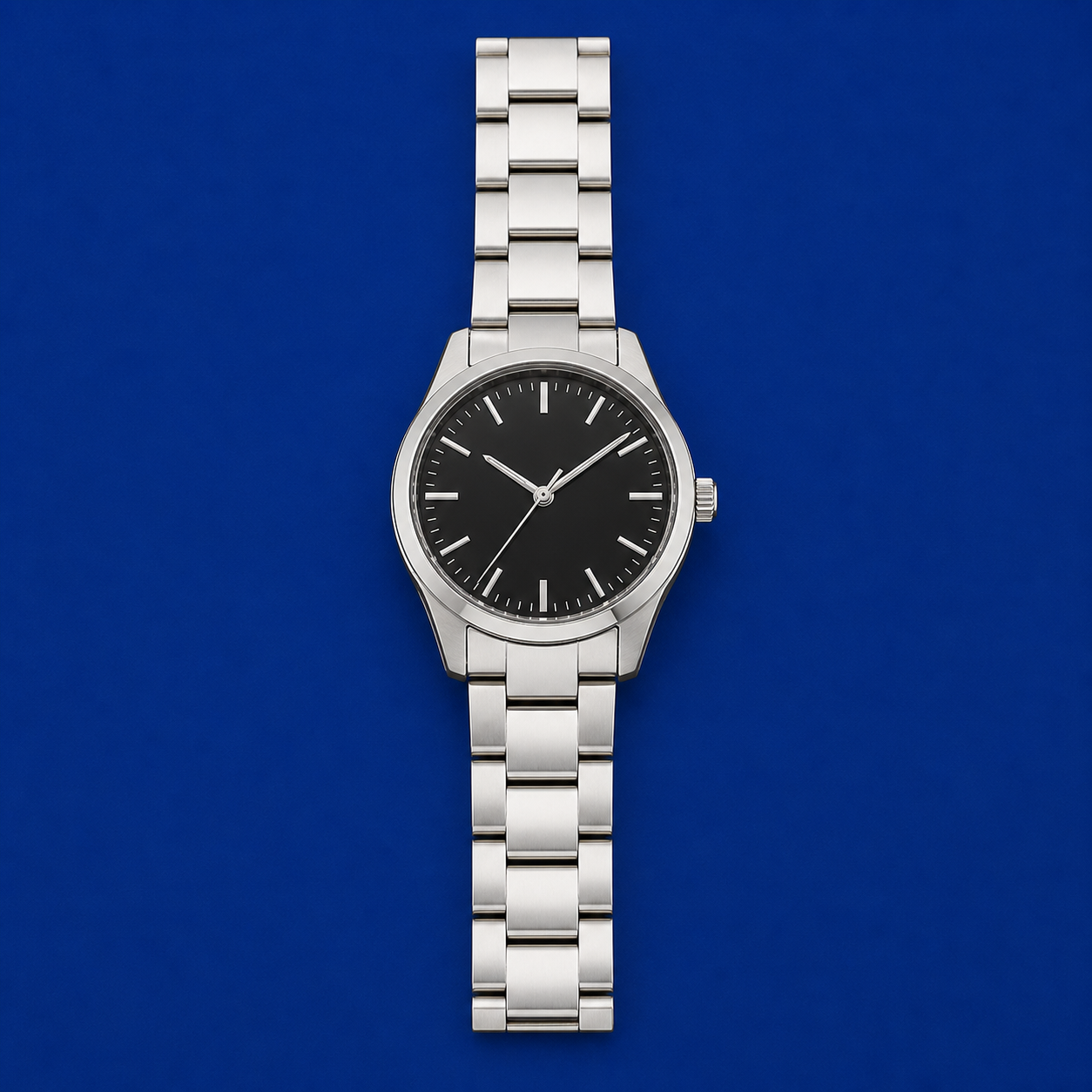
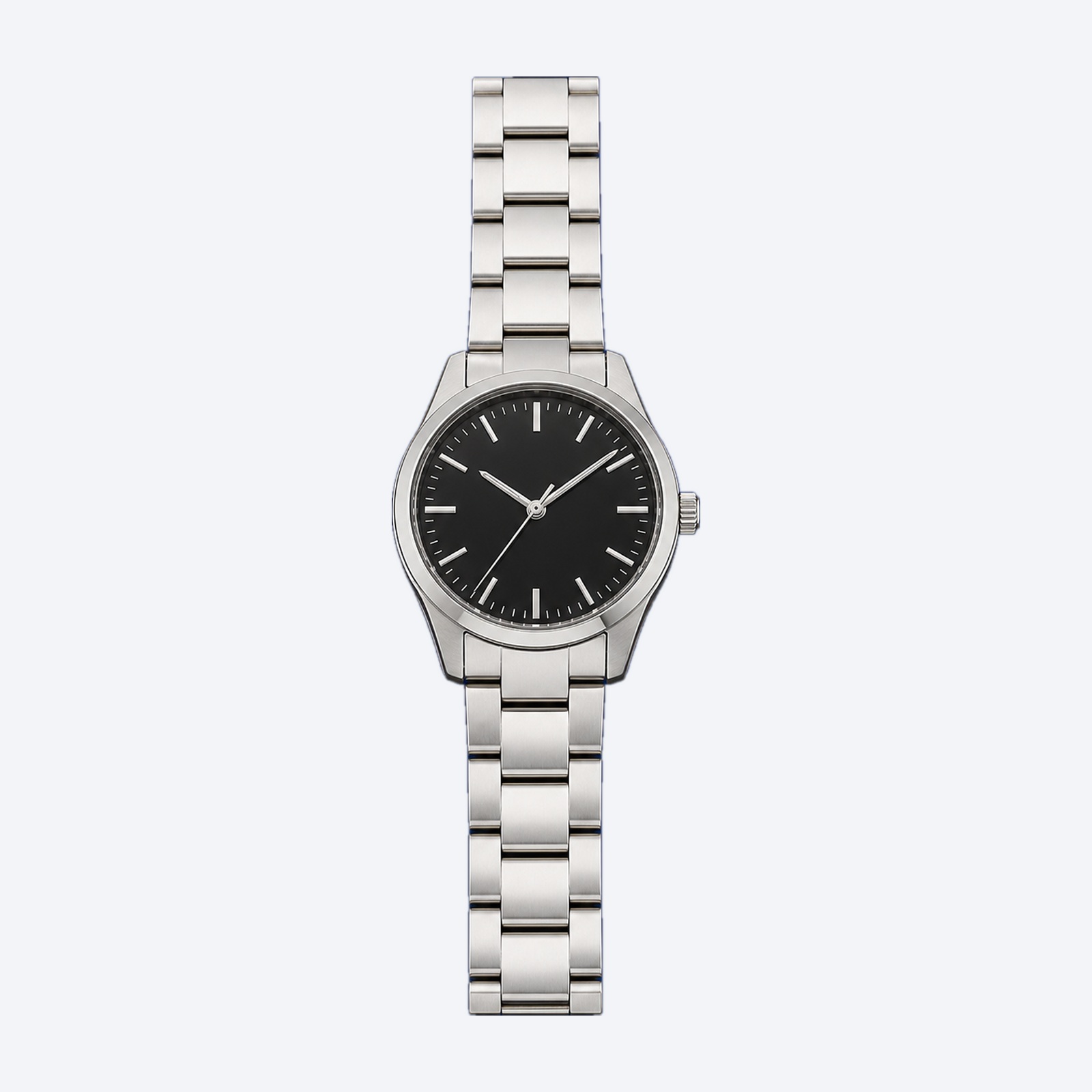
These are genuine source photographs and the files exported by Bulk Product Photo Finisher 1.1.0. The already aligned lamp and watch were processed with straightening disabled. In both examples, detection, isolation, sizing, centring, and compositing were performed by the application.
The real application
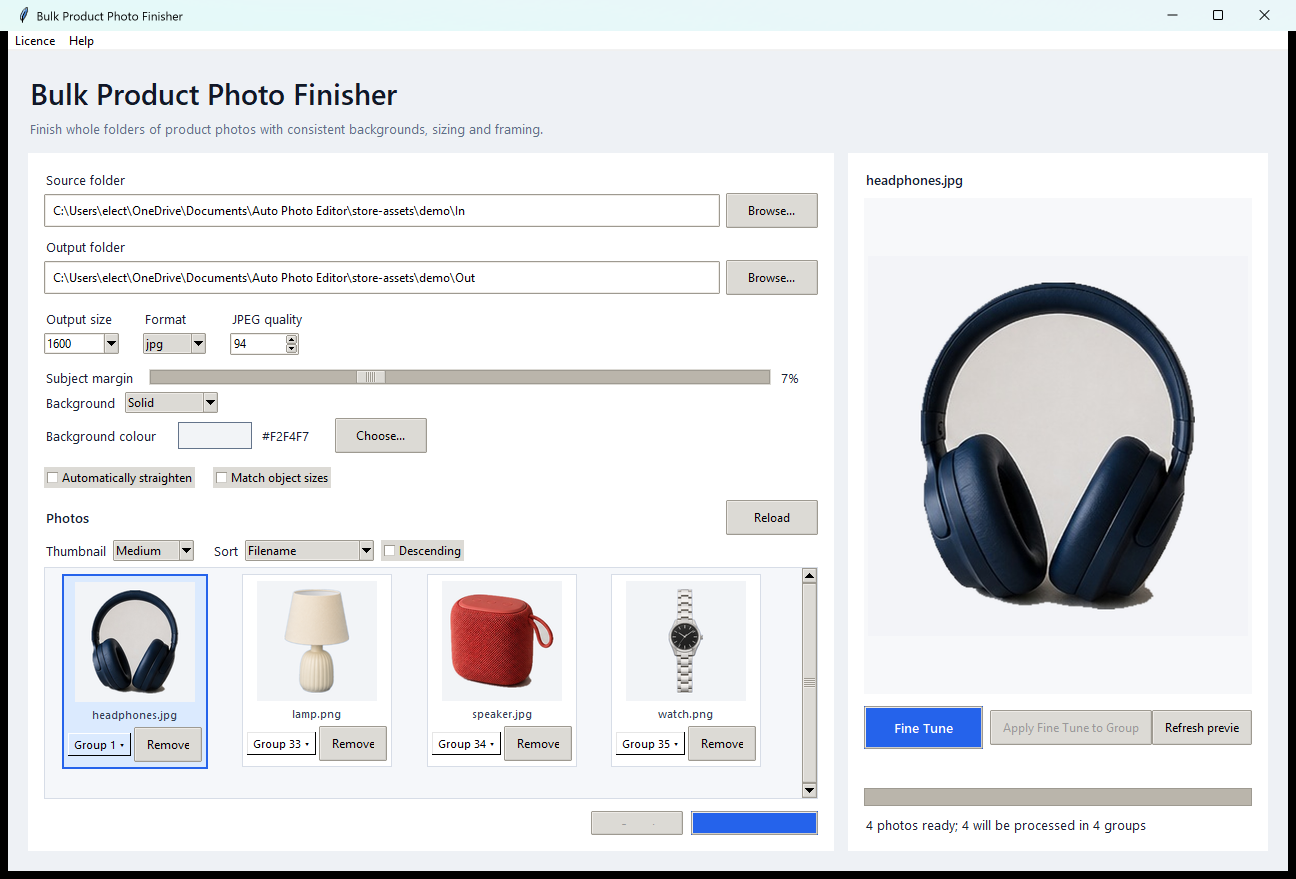
Captured from the actual Windows interface while processing the demo batch shown above. No interface elements or results were composited into the screenshot.
What it handles
Detects the large photographic backdrop and discards carpet, tables, cables, and other scenery beyond it.
Fills the subject silhouette so dark screens, controls, openings, and fine product details are preserved.
Corrects small camera or product tilt, crops tightly, and centres every subject on a square canvas.
Optionally matches silhouette area so products photographed from different distances appear at a comparable size.
How to use it
Point the app at a source folder and a separate output folder. Your originals are never changed.
Choose a solid colour or background image, output size, subject margin, JPG or PNG, and whether to straighten or match object sizes.
Check the first photo, adjust if needed, then process the complete folder with progress and cancellation controls.
Good to know
No. Source and output folders must be different, and finished files receive an _edited suffix.
Yes. Choose a background image for branded or textured results, or use any solid colour for a clean catalogue look.
It reads common JPG, JPEG, PNG, WebP, BMP, TIFF, and TIF images, then exports finished work as JPG or PNG.
No. Detection, correction, compositing, and export all happen locally on your Windows PC.
Use one centred object on a matte backdrop that contrasts with every edge. Pale products benefit from blue; reflective silver products work best laid flat on deep blue with soft, neutral lighting. Disable automatic straightening when the source is already correctly aligned.
Verified customer reviews
Loading reviews…
Latest licensed installer
Install the complete application and activate it using the licence supplied after checkout. Python and the image-processing libraries are included, along with signed update support.
Need help? support@ititit.co.uk